Free AI Image to Image
Generator & Editor
Sign in to your free account and let Flux.2 Klein reimagine your photo. Upload a reference image, describe the change, and try a new style or background. Usage is subject to fair-use limits.
MidGenAI brings prompt-based image generation and editing together with Flux.2 Klein. Explore cinematic portraits, sketch-inspired renders and product-photo variations. A free account is required before using this model. Commercial use is subject to our Terms of Service and your rights to the source image.
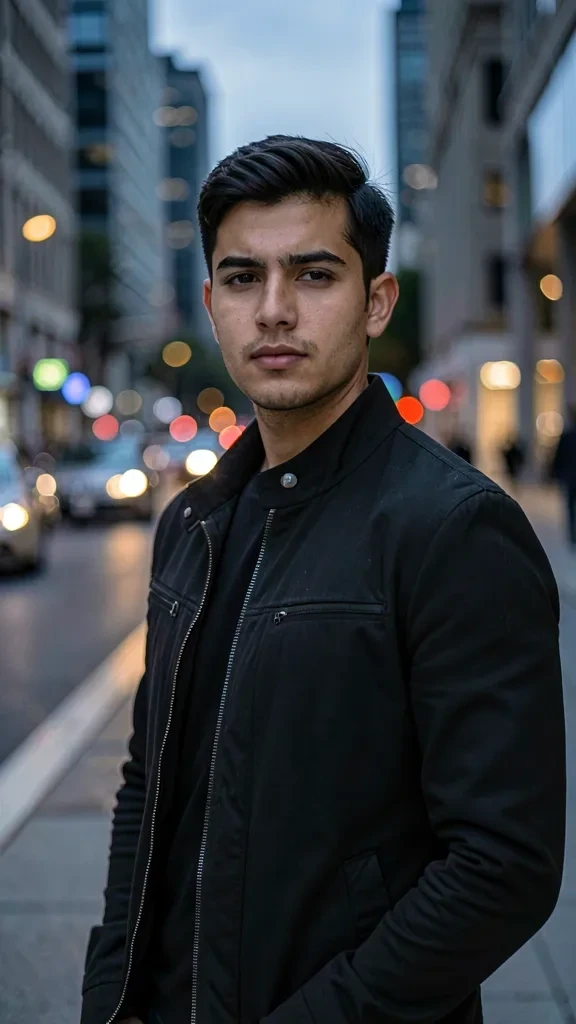 Before
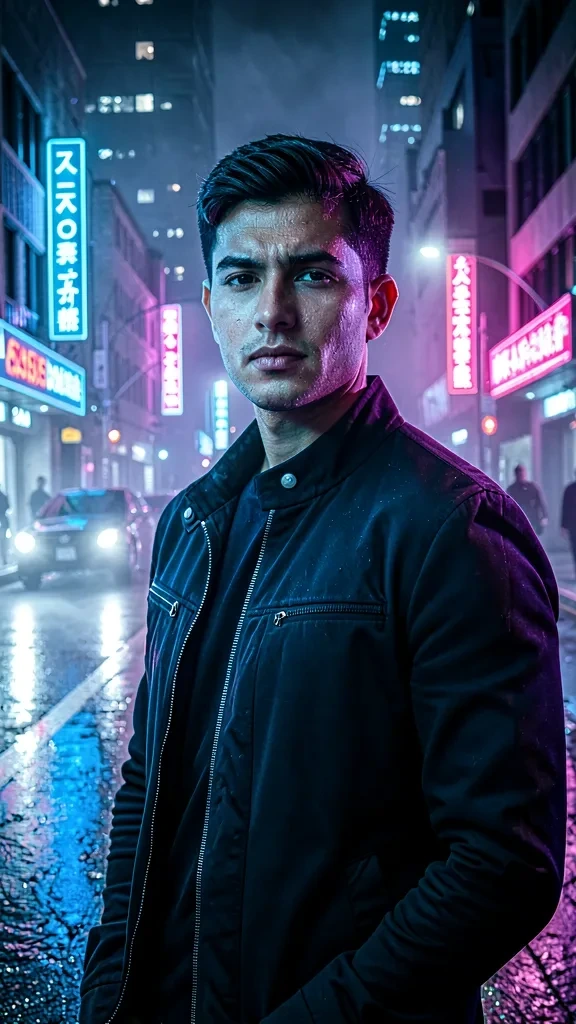 After
After100% Free
Image to image generation is free with a signed-in account. No payment details are needed. Usage is subject to fair-use limits and available processing capacity.
Generate & Edit
One tool, two powers. Use your photo as a reference to generate brand new AI images, or edit the original directly—swap backgrounds, remove objects, restyle and retouch.
Prompt-Perfect Control
Describe what to keep and what to change with a text prompt. Choose a style, aspect ratio and generation steps to guide your result. AI edits may also change details you wanted to preserve.
Free Account Required
Sign in to your free MidGenAI account before using Flux.2 Klein. Then upload reference images and describe your edit. Login is required, not optional.
The Best Free Image to Image AI Generator Online
Looking for a free image to image AI that both generates and edits? MidGenAI turns any picture you already have into the starting point for something better. Our AI image editor reads the structure, lighting and subject of your upload, then rebuilds it around your prompt—so you keep what matters and change everything else.
Most tools force you to choose: a generator that ignores your photo, or an editor with a dozen fiddly sliders. Our img2img AI does both. Transfer a new art style, replace a background, remove an unwanted object, restore an old scan, upscale a low-resolution file or spin one product shot into an entire campaign—all from a single upload, all with a plain-English prompt.
Whether you need an AI photo editor free of watermarks, a way to turn a photo into AI art, or an AI image transformer for client work, sign in to MidGenAI and start editing with Flux.2 Klein for free. Fair-use limits and processing availability apply.
How Our Free AI Image Editor Works
Sign in, upload a reference image and describe your edit. Review the generated result before downloading or sharing it.
Sign In & Upload Your Image
Sign in to your free account, then use the reference-image upload button to add a JPG, PNG or WebP photo, sketch or previous AI result. Flux.2 Klein supports up to four reference images per request.
Describe the Change
Tell the AI what to keep and what to change. Restyle it, replace the background, remove an object or push it toward a whole new look with a single prompt.
Generate, Refine, Download
Get results in seconds, then re-run the output through the editor for further refinement. Download full-resolution, watermark-free images for personal or commercial use.
Real Before & After Examples
One upload, one prompt—see what our image to image AI produces
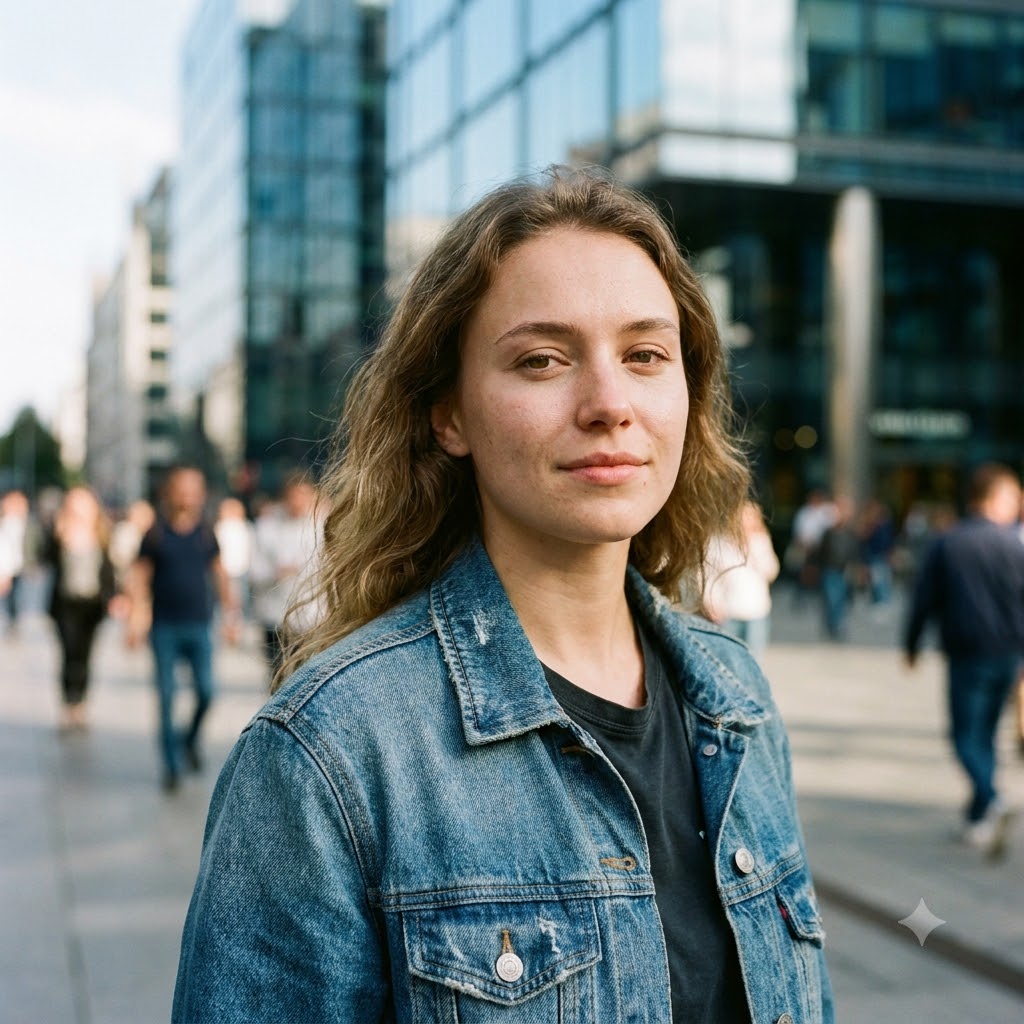 Before
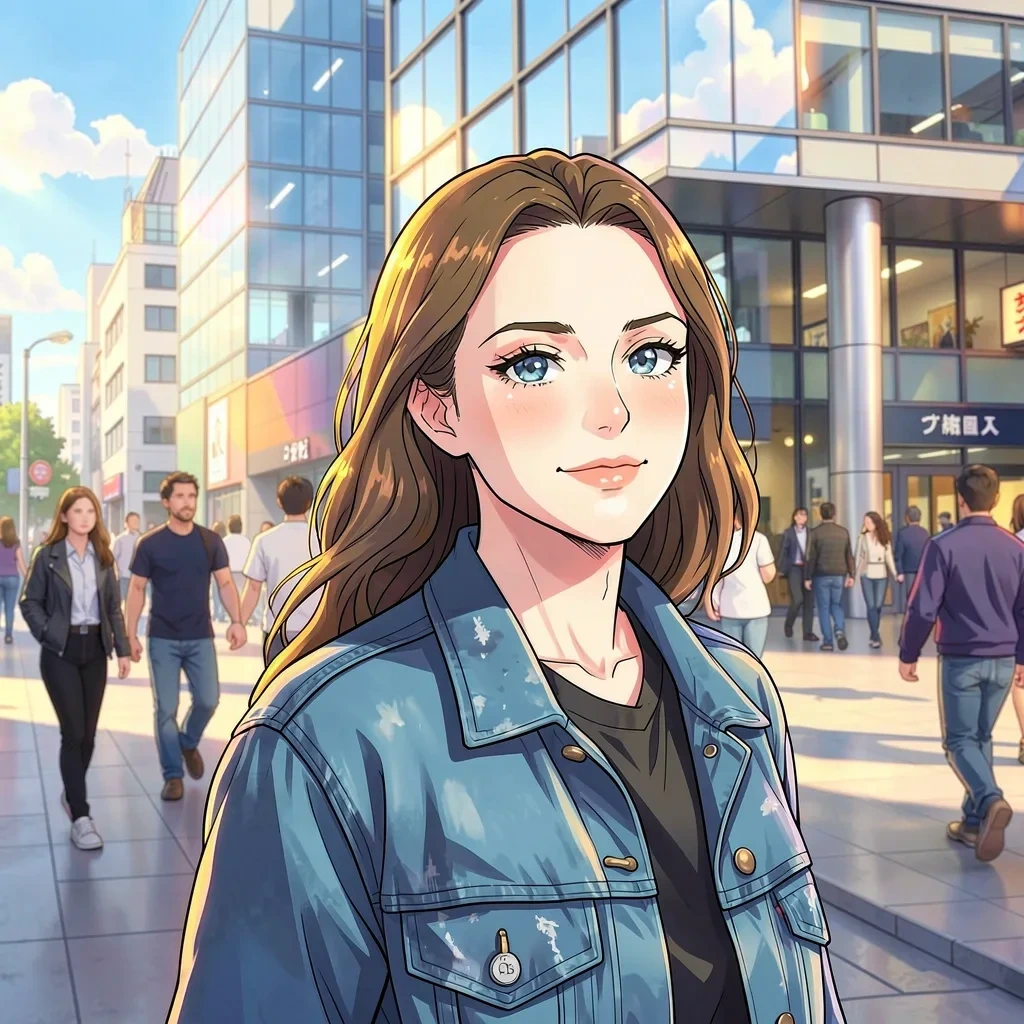 After
AfterPhoto to Anime
“anime illustration, cel shading, vibrant lighting”
 Before
 After
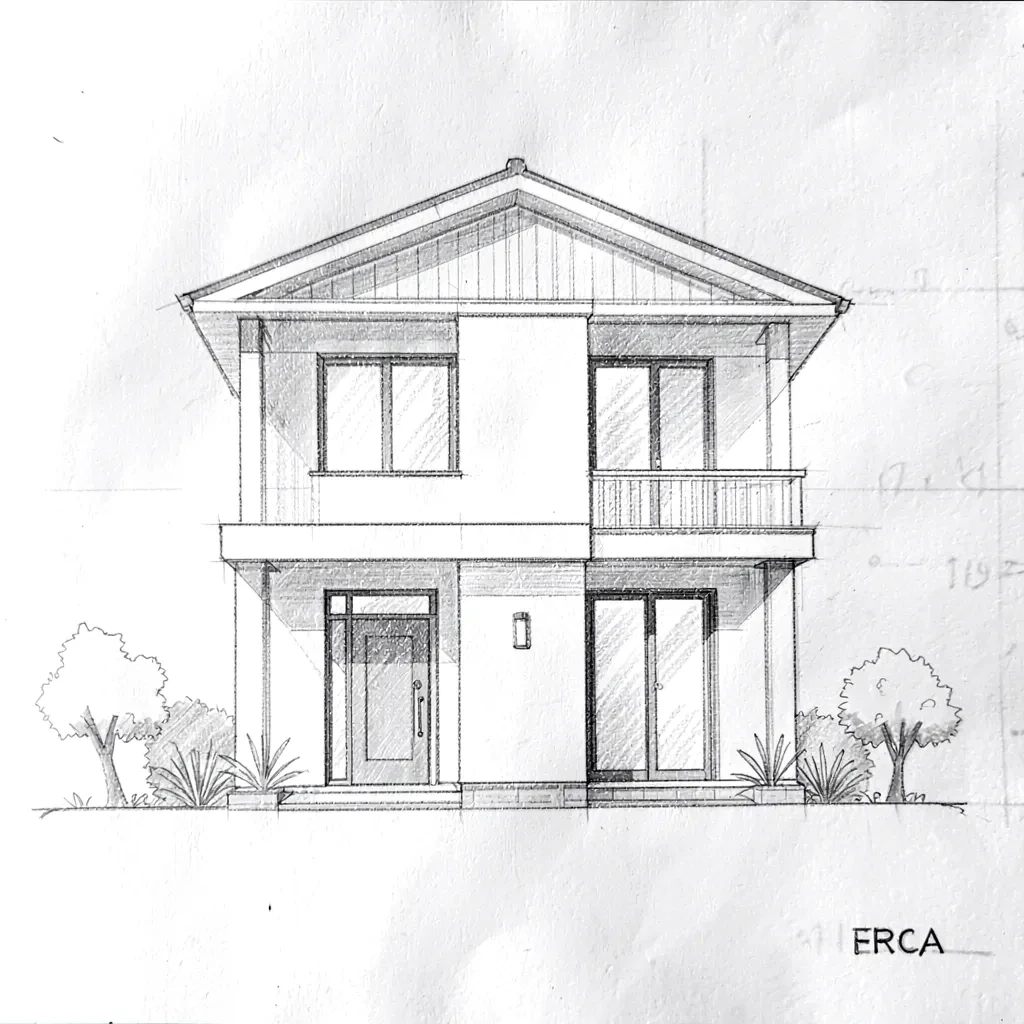
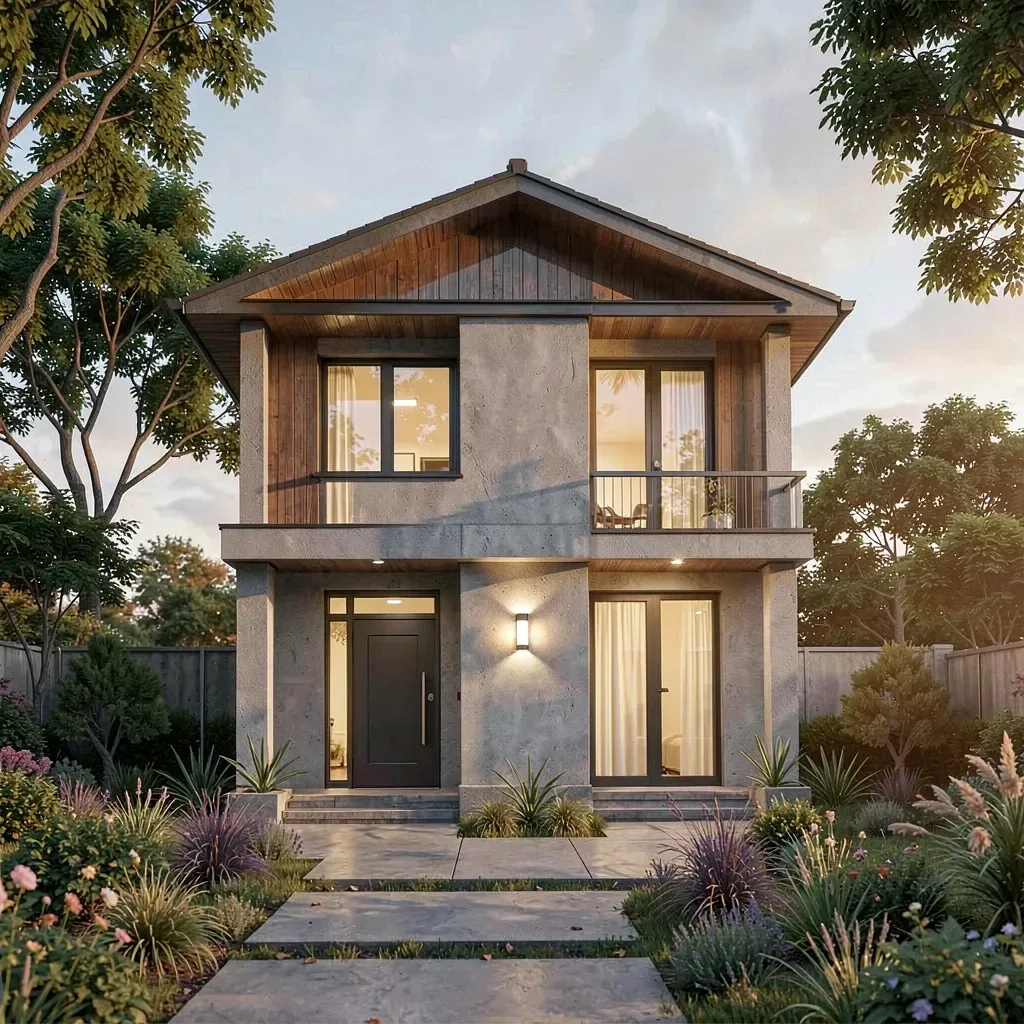
AfterSketch to Render
“photorealistic render, studio lighting, fine detail”
 Before
 After
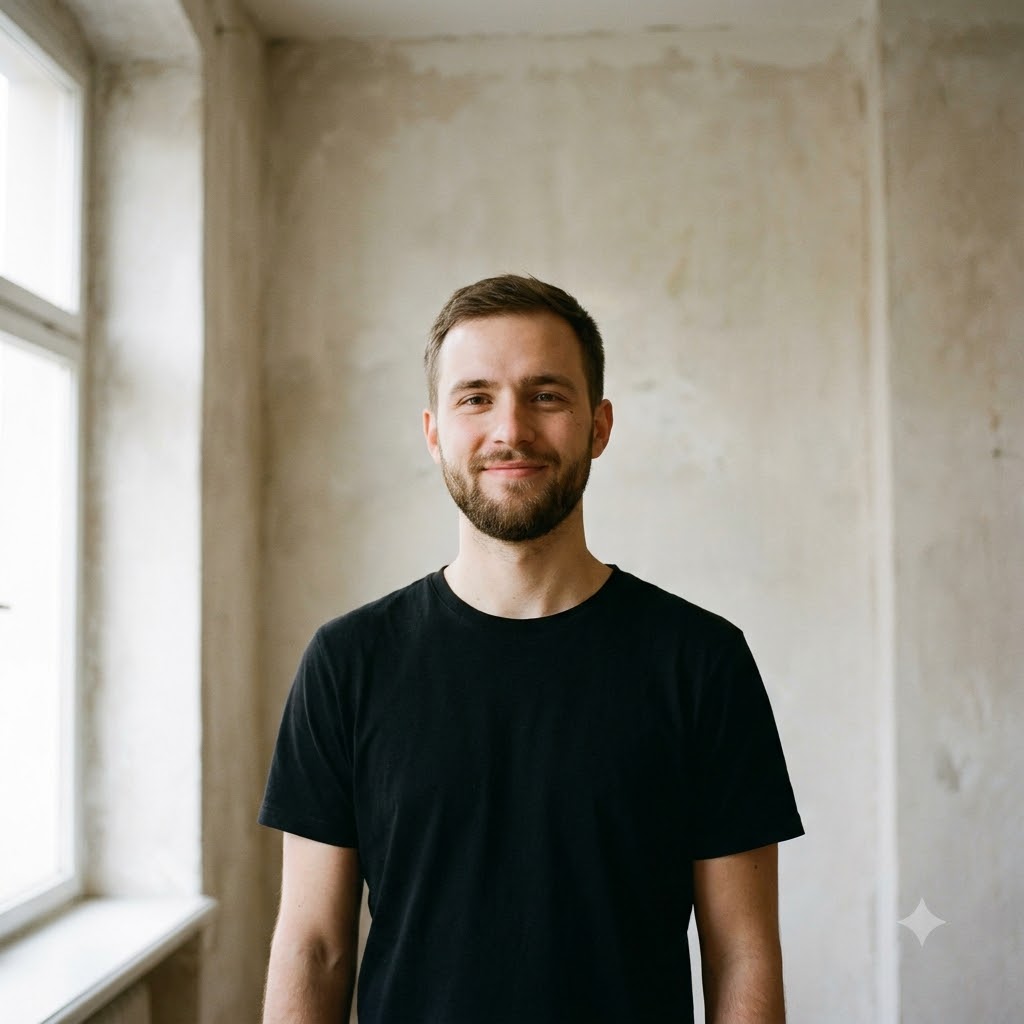
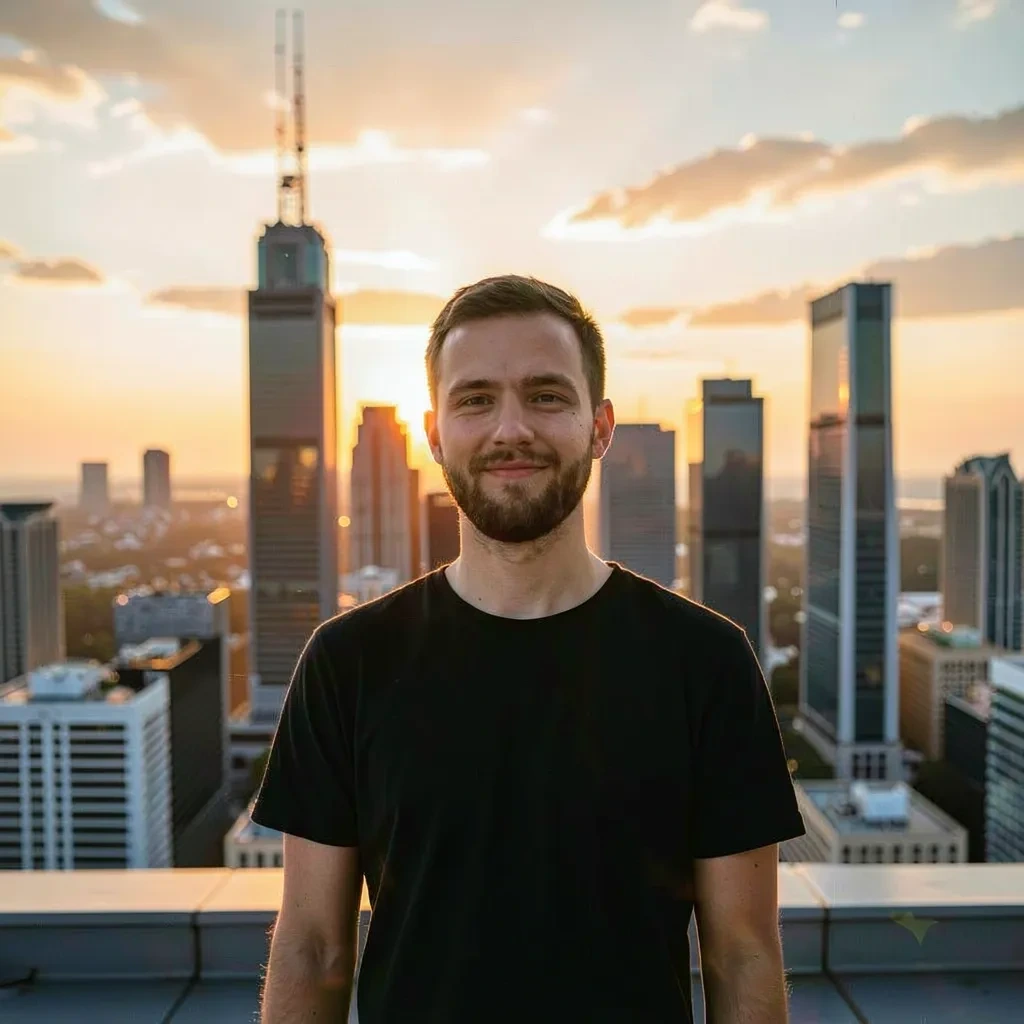
AfterBackground Replace
“golden hour city rooftop background, soft rim light”
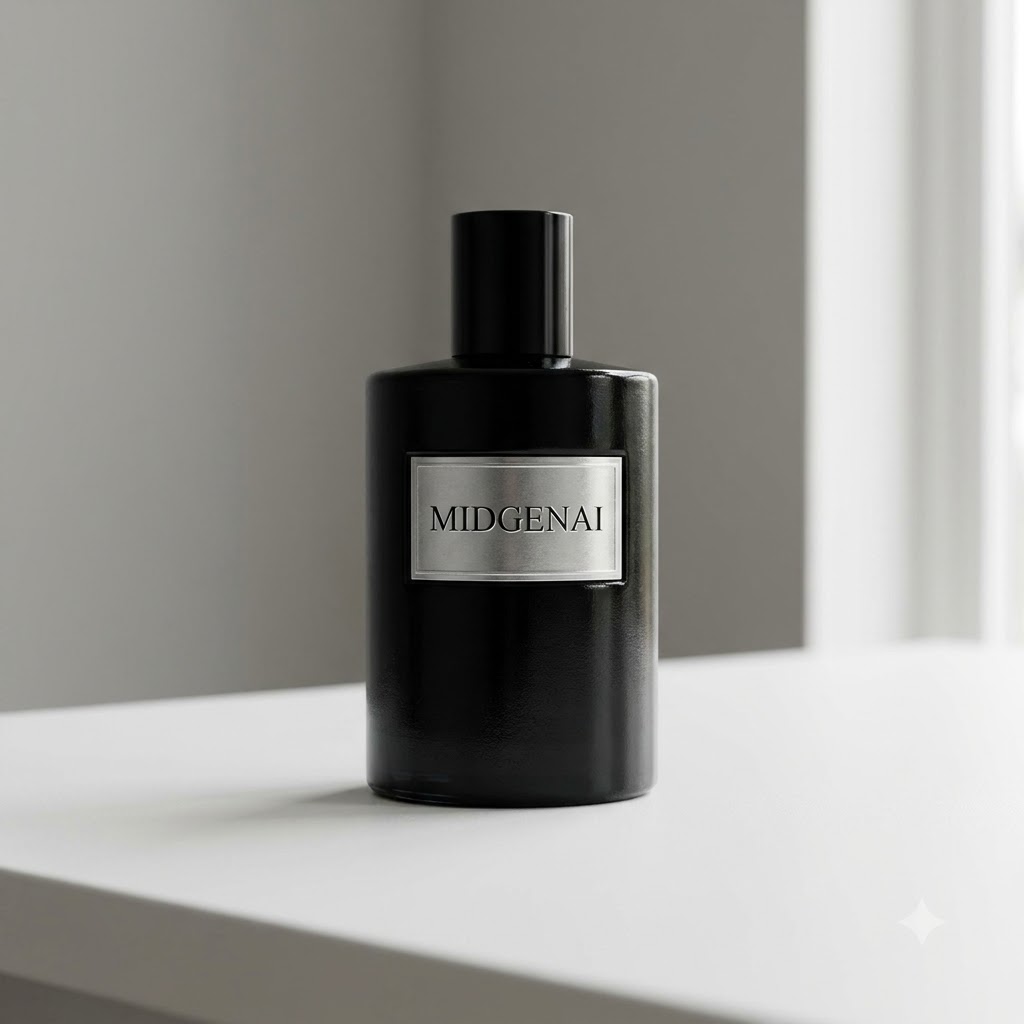 Before
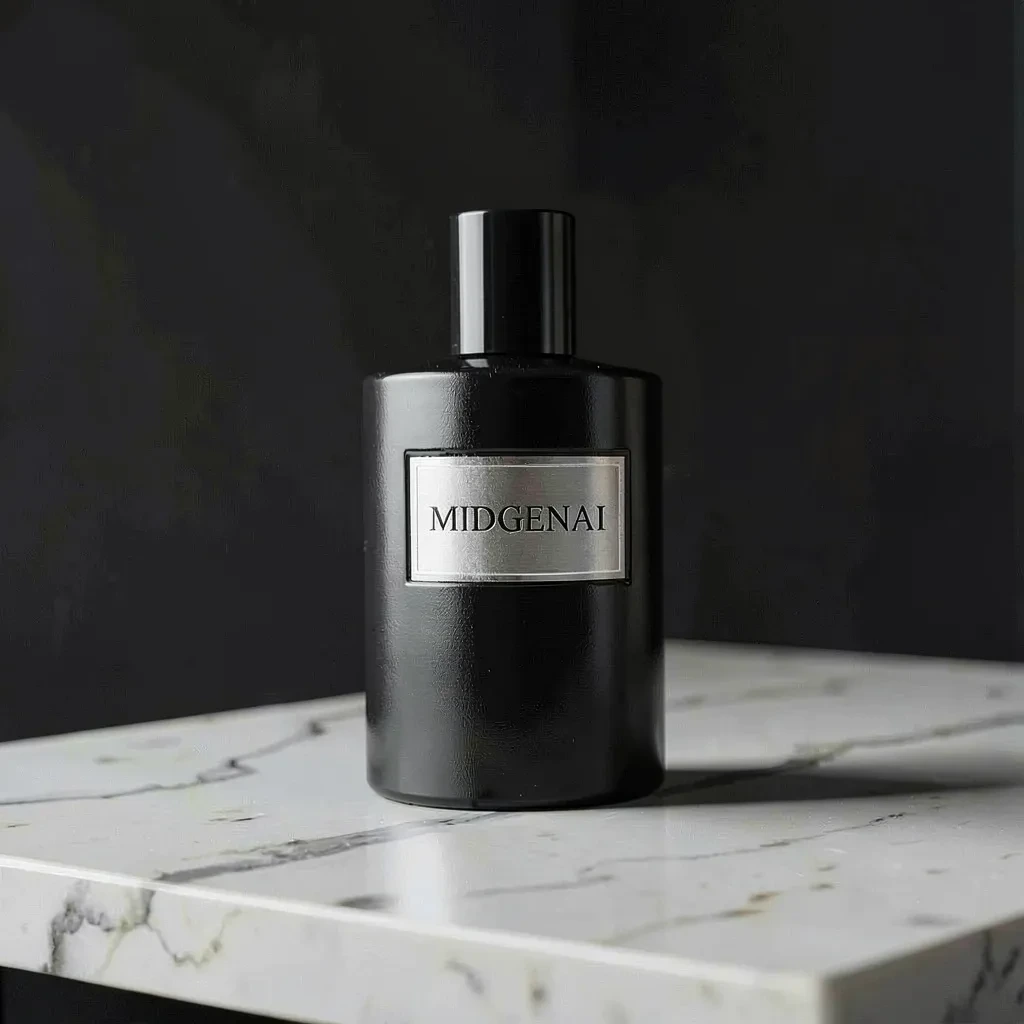 After
AfterProduct Restyle
“premium studio product shot, marble surface, soft shadows”
A Complete AI Photo Editor
Explore prompt-based editing and generation with Flux.2 Klein. Sign in for free access, subject to fair-use limits. Results vary.
Background Remove & Replace
Describe a new background for your subject. The model generates a revised scene; precise cutouts, transparency and unchanged edges are not guaranteed.
Object Removal & Cleanup
Erase photobombers, logos, wires, blemishes or clutter. The AI fills the gap with matching texture and lighting so the edit is invisible.
Style Transfer
Repaint your photo in any aesthetic—anime, watercolor, cyberpunk, film noir, 3D render—while keeping the original composition and pose intact.
Prompt-Based Detail Changes
Describe an outfit change, hair color or added object in your prompt. Review the result carefully: edits are not confined by a brush mask and other details may change.
Photo Reimagining
Request a cleaner or restyled version of a reference photo. Newly generated details may be invented; this is not a dedicated upscaling or archival restoration tool.
Color & Light Grading
Relight a scene, shift the mood to golden hour or apply a cinematic color grade with a single prompt instead of a dozen sliders.
Endless Styles
Restyle the same photo as many times as you like with our AI image transformer
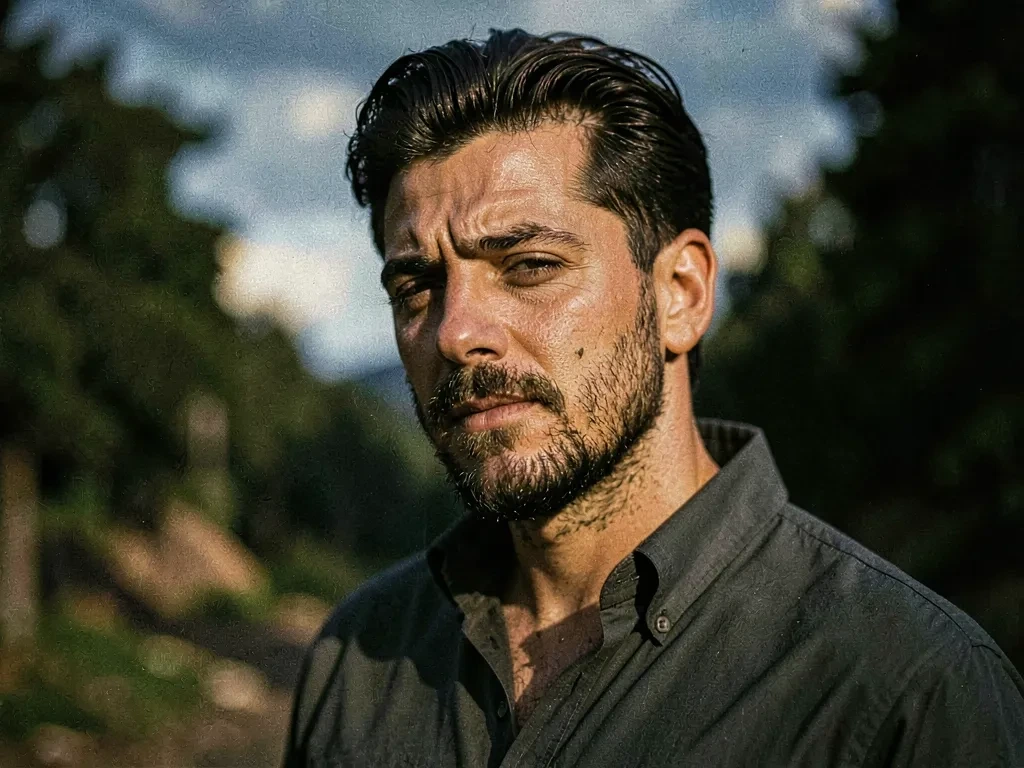
Cinematic Portraits
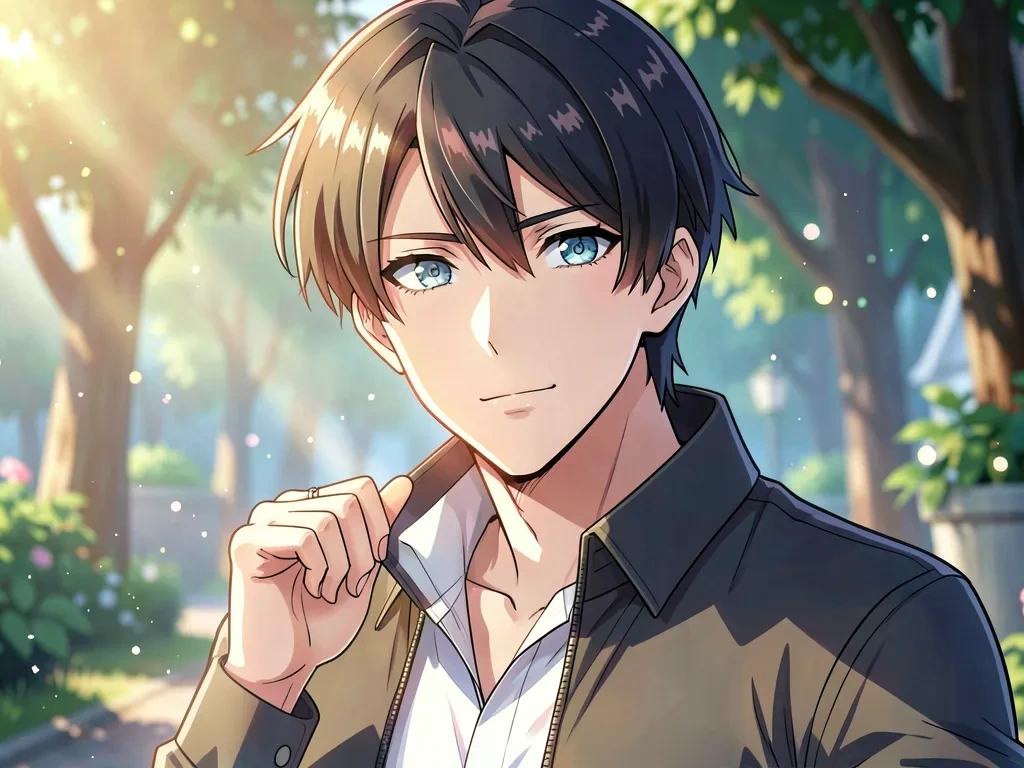
Anime & Illustration
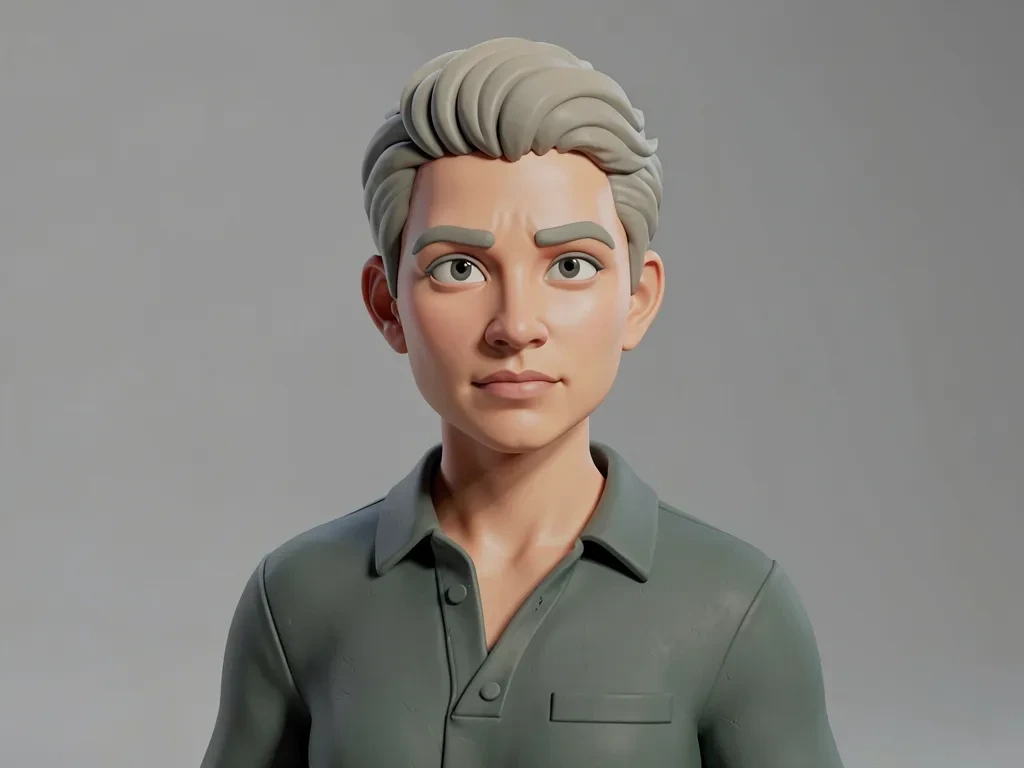
3D & Clay Render
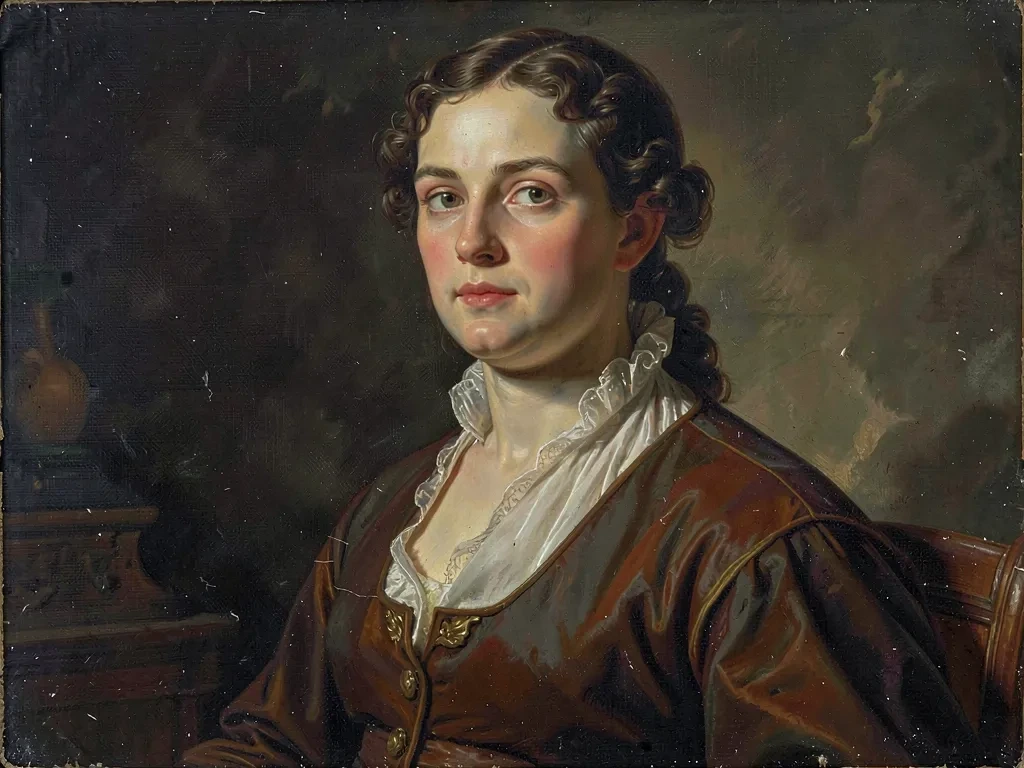
Oil Painting & Fine Art
What Can You Do With Image to Image AI?
Our free AI image editor powers real work across industries. Here is how creators and teams use MidGenAI every day.
E-commerce & Product Photos
Turn one phone photo into a full catalog. Our free AI image editor swaps backgrounds, cleans reflections and generates lifestyle variants for every listing.
Profile Pictures & Headshots
Upload a selfie and get a polished professional headshot or a stylized avatar. Image to image AI keeps your likeness while upgrading lighting and wardrobe.
Photo Restoration
Repair scratches, remove noise, colorize black and white photos and upscale faded family scans with our free AI photo editor—no Photoshop skills needed.
Concept Art Iteration
Feed a rough sketch or blockout into the AI image transformer and explore dozens of finished directions before committing to a single design.
Social Media Remixes
Restyle the same shot into ten different aesthetics for A/B testing carousels, thumbnails and ads—all from one source image, all free.
Interior & Architecture
Restage an empty room, try new materials or convert a CAD view into a photorealistic visualization using image to image generation.
Why Choose MidGenAI as Your Free AI Image Editor?
Our free image to image generator uses Flux.2 Klein for reference-based generation and editing. Sign in to your free account, upload your image and describe the result you want. Access is subject to fair-use limits and shared compute capacity.
Guide your AI image edits with clear instructions about the subject, style and background. You can use a generated result as a reference for your next edit. AI may alter faces, text or other details, so always review the output.
A free account is required to use Flux.2 Klein. Generated results for signed-in users may be saved to private history and become public if you choose to post them to the gallery. Read our Privacy Policy for data-handling details and our Terms of Service for fair-use and content-safety requirements.
Frequently Asked Questions
Everything you need to know about our free image to image AI editor
What is image to image AI?
Is the AI image editor really free?
Can I edit only part of an image?
Do I need an account to use it?
Can I use the edited images commercially?
What image formats and sizes are supported?
Are my uploaded photos private?
Start Editing With the Best Free Image to Image AI Today
Sign in to your free MidGenAI account to use Flux.2 Klein for image to image generation and prompt-based editing. Upload a photo you have permission to use, describe the change and review your result. Fair-use limits apply; harmful content and non-consensual edits are prohibited.
Start Editing — Login Required